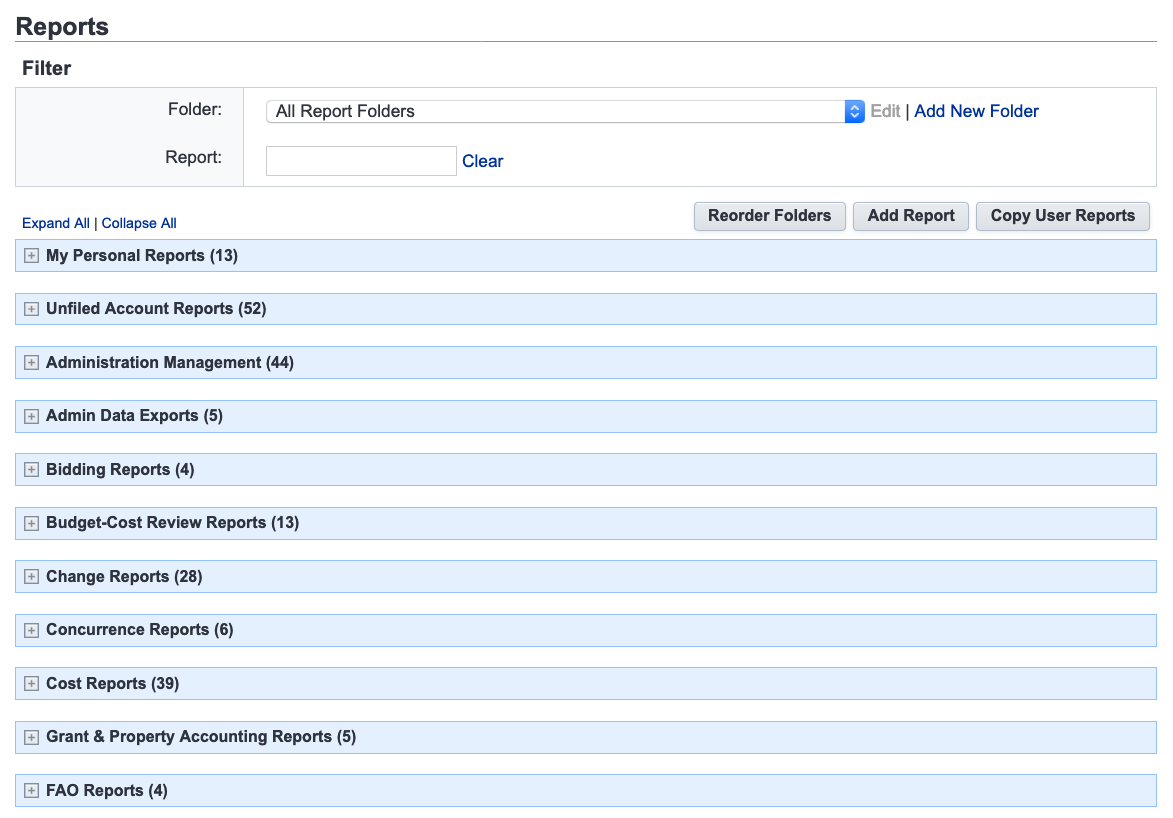
The e-Builder Report module displays all reports created by the system administrator. You may find yourself scrolling through a lot of reports that may not seem relevant to your needs.
If you are looking for process specific reports, we would recommend to navigate to Filter Processes on your project, and locate the "Reports" tab underneath your filter.
This tab will show you reports created for the type of process you have selected in your filter. Click the name of the report to run as a shortcut.
This video shows Warren changing his view from Submittals to Inspector Daily Reports, and other processes on the training project. Remember to click the filter button to show the other process reports.